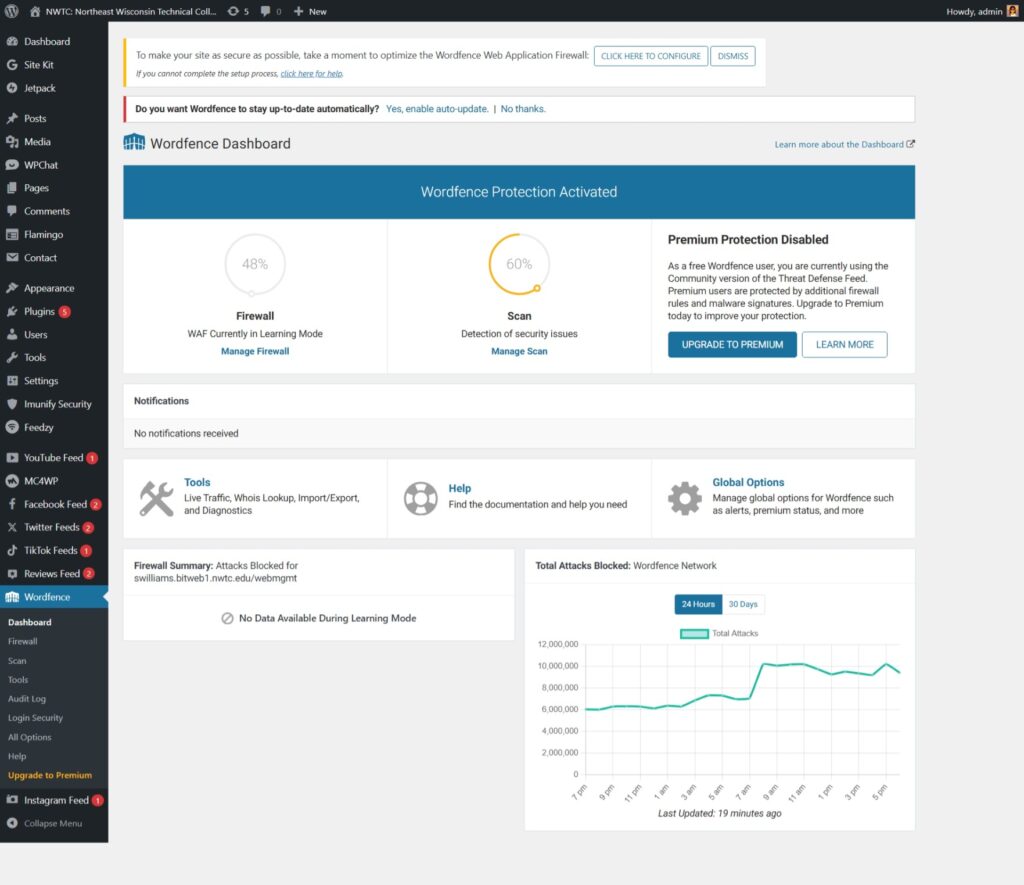
Wordfence Security Plugin
For this part of the project, I installed the Wordfence Security plugin on my WordPress site. Wordfence is used to help protect WordPress websites from common security problems like malware, suspicious login attempts, and harmful traffic.
One security item Wordfence addresses is malware scanning. This helps check the site for possible infected files, changed files, or other issues that should not be there. This matters because WordPress sites can become vulnerable when plugins, themes, or files are outdated or compromised.
Another item Wordfence addresses is login protection. WordPress login pages can be targeted by brute force attacks, where someone repeatedly tries different username and password combinations. Login protection helps reduce this risk and makes it harder for unauthorized users to access the site.
Wordfence also includes firewall protection. A firewall helps block suspicious traffic before it can cause problems on the site. This is important because WordPress sites often rely on plugins and themes. A security issue can become a bigger problem if traffic is not being monitored.
Overall, Wordfence addresses at least three important WordPress security areas: malware scanning, login protection, and firewall protection. I think it is useful because it gives site owners a clearer way to monitor security instead of waiting until something goes wrong.